
Every write to an Apache Iceberg table creates a snapshot — a complete, immutable view of the table at that moment. Snapshots are how Iceberg provides time travel, instant rollback, audit trails, and concurrent reads without locks.
They also accumulate indefinitely unless explicitly managed, as the complete Iceberg table maintenance guide explains. A streaming table with 1-minute checkpoints creates 1,440 snapshots per day. Each pins references to data files that cannot be garbage-collected until the snapshot is expired. After a month without expiration, a single table can hold tens of terabytes of logically dead but physically billable data on S3.
The challenge: keep enough snapshots for time travel and rollback safety — expire enough to control storage costs and metadata overhead. This guide covers how it all works, what it costs, and how to manage it — both through an autonomous control plane like LakeOps and through manual SQL procedures. For deeper context on snapshot cleanup in context of the broader maintenance lifecycle, see our table cleanup guide.


How snapshots and time travel work
The snapshot chain
Every commit — INSERT, UPDATE, DELETE, MERGE, compaction — creates a new snapshot. A snapshot points to a manifest list → manifest files → data files. It represents the complete, consistent table state at that commit. Snapshots are immutable and form an append-only chain.
Time travel
Query any retained snapshot without restoring backups or copying data:
1-- By timestamp2SELECT * FROM prod.db.events3TIMESTAMP AS OF '2026-08-01 10:00:00';4 5-- By snapshot ID6SELECT * FROM prod.db.events7VERSION AS OF 8712345678901234567;8 9-- By tag or branch name10SELECT * FROM prod.db.events11VERSION AS OF 'audit-checkpoint-q2';The query resolves data files from that point in time using the snapshot's schema. No data movement, no separate backup infrastructure.
Rollback
Rollback changes the current table state to a previous snapshot — a metadata-only operation that completes in milliseconds regardless of table size:
1CALL system.rollback_to_snapshot('prod.db.events', 8712345678901234567);2CALL system.rollback_to_timestamp('prod.db.events', TIMESTAMP '2026-08-01 10:00:00');Use cases: corrupted ETL load, incorrect DELETE, bad MERGE logic, failed schema migration.
Tags and branches
Tags — immutable pointers to specific snapshots. Survive expiration. Use for compliance checkpoints and ML reproducibility:
1ALTER TABLE prod.db.events2CREATE TAG q2_audit AS OF VERSION 8712345678901234567 RETAIN 365 DAYS;Branches — isolated mutable workstreams. Use for Write-Audit-Publish (WAP):
1ALTER TABLE prod.db.events CREATE BRANCH staging_load RETAIN 7 DAYS;2INSERT INTO prod.db.events.branch_staging_load SELECT * FROM raw.incoming;3-- Validate, then fast-forward main if clean4CALL system.fast_forward('prod.db.events', 'main', 'staging_load');What snapshots cost
Snapshot costs compound silently across three dimensions.
Pinned data files. When compaction rewrites 1,000 small files into 10 large ones, old snapshots still reference the original 1,000. Those files can't be deleted until every referencing snapshot is expired. A 500 GB table with daily compaction and no expiration accumulates ~500 GB/week of pinned dead data. After 3 months: 6.5 TB stored, $138/month wasted — for one table. Across 200 tables, pinned storage easily exceeds 100 TB.
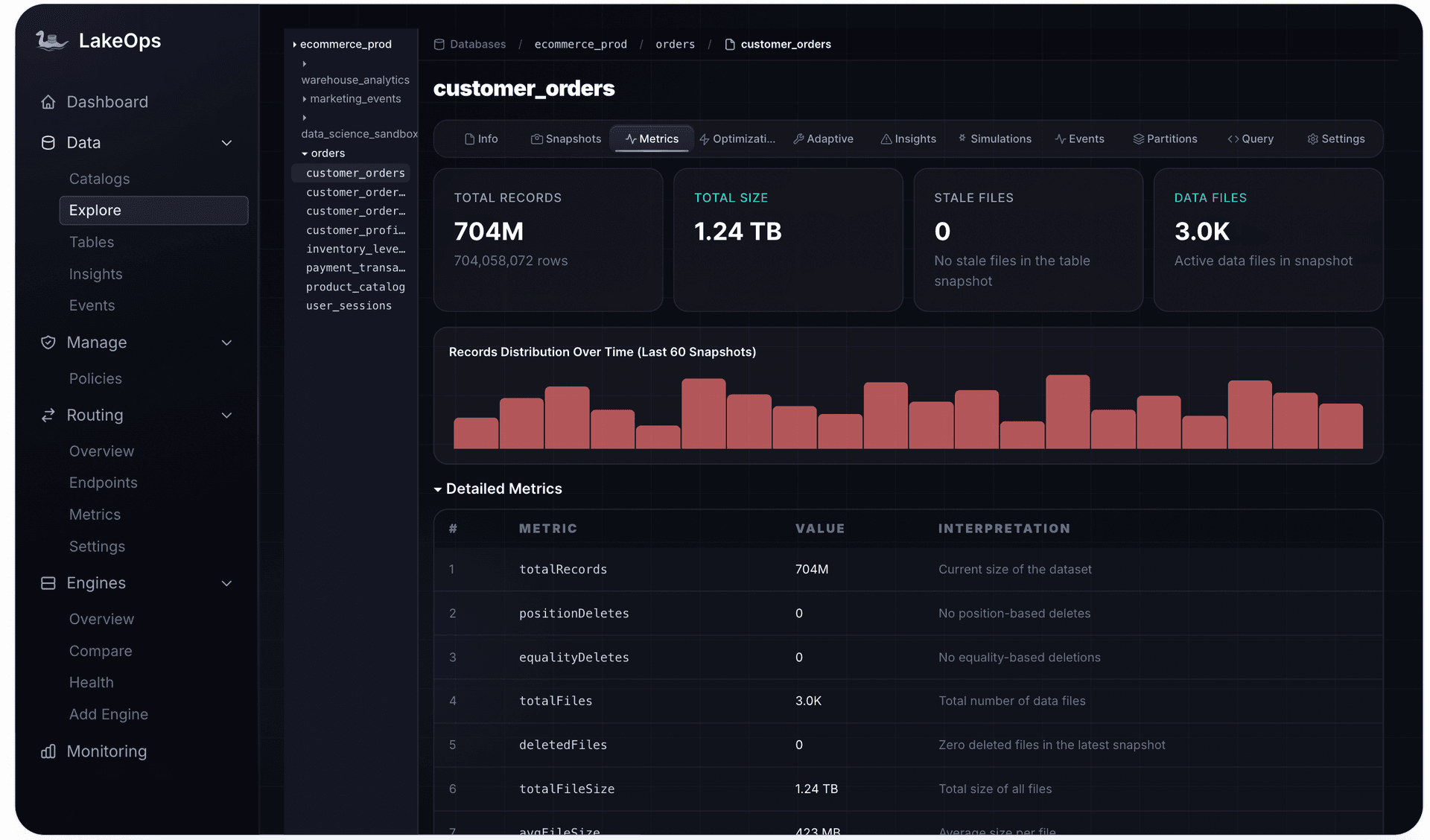
Metadata growth. Each snapshot adds a metadata entry (JSON) and manifest list (Avro). At 10,000+ snapshots, metadata totals hundreds of MB — inflating catalog operations and slowing snapshot resolution.
Planning impact. The metadata file that engines parse to find the current snapshot bloats proportionally. At 50,000+ accumulated snapshots, this becomes noticeable.
Retention by workload type
Streaming tables (Flink, Kafka Connect, Spark Streaming) — commit every 1–5 minutes. Time travel is for debugging: "what happened an hour ago?" Retention: 3–7 days, retain_last 25–50.
Batch tables (daily/hourly ETL) — commit 1–24 times/day. Time travel is for recovery: "roll back to yesterday." Retention: 7–30 days, retain_last 5–10.
Compliance tables — need specific snapshots preserved for months/years, but not all of them. Use tags on checkpoints (end-of-quarter, audit milestones) with long retention. Expire everything else on a normal 7-day cycle. Tagged snapshots survive expiration automatically.
The expiration cascade
Snapshot expiration is the first step in a maintenance sequence where each operation enables the next:
- 1.Expire snapshots → dereferences old data files
- 2.Remove orphan files → physically deletes unreferenced files (reclaims storage)
- 3.Compact → merges remaining small files with sort order (query performance)
- 4.Rewrite manifests → consolidates metadata (planning speed)
Running these out of order wastes compute. Compacting before expiring rewrites files that should be deleted. Orphan cleanup before expiration misses newly-dereferenced files. The sequence matters.
Path 1: Intelligent automation with LakeOps
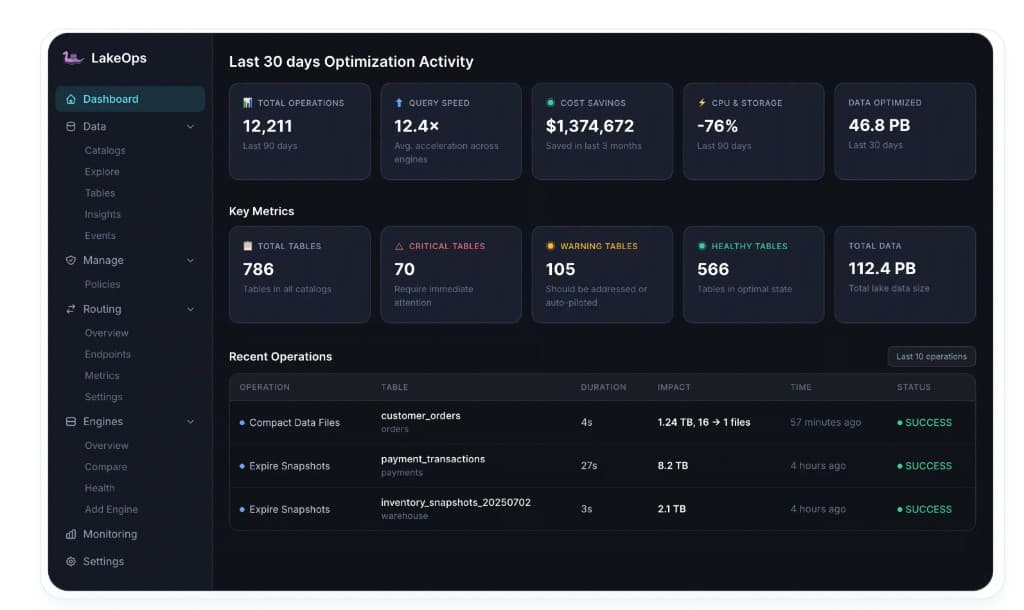
LakeOps is an autonomous control plane for Apache Iceberg that manages the full table lifecycle — including snapshot retention, expiration, and all downstream operations. Here's what it does for snapshot management specifically.
Policy-based retention at any scope
Define retention rules at catalog, namespace, or table level — more specific policies override broader ones. Set organization-wide defaults once, then make targeted exceptions:
- Catalog-wide: 7 days, retain_last = 10
- Streaming namespace: 3 days, retain_last = 50
- Compliance tables: 30 days + tagged checkpoints with 2-year retention
No per-table cron jobs. No forgotten tables silently accumulating months of dead data.

Conflict-aware expiration
LakeOps monitors query activity across all connected engines (Spark, Trino, Flink, Snowflake, Athena, DuckDB) and never expires snapshots that active readers depend on. If a long-running Spark job is reading snapshot N, that snapshot survives until the job completes. This eliminates FileNotFoundException failures that make teams hesitant to run aggressive expiration.
Adaptive Maintenance
When enabled, Adaptive Maintenance bundles snapshot expiration, compaction, manifest rewriting, and orphan cleanup into a single data-driven operation. LakeOps monitors table activity — commit frequency, file accumulation, snapshot velocity — and runs the right operations at the right time. No fixed schedules, no manual tuning. The system adapts as workloads change.

Snapshot visibility and rollback
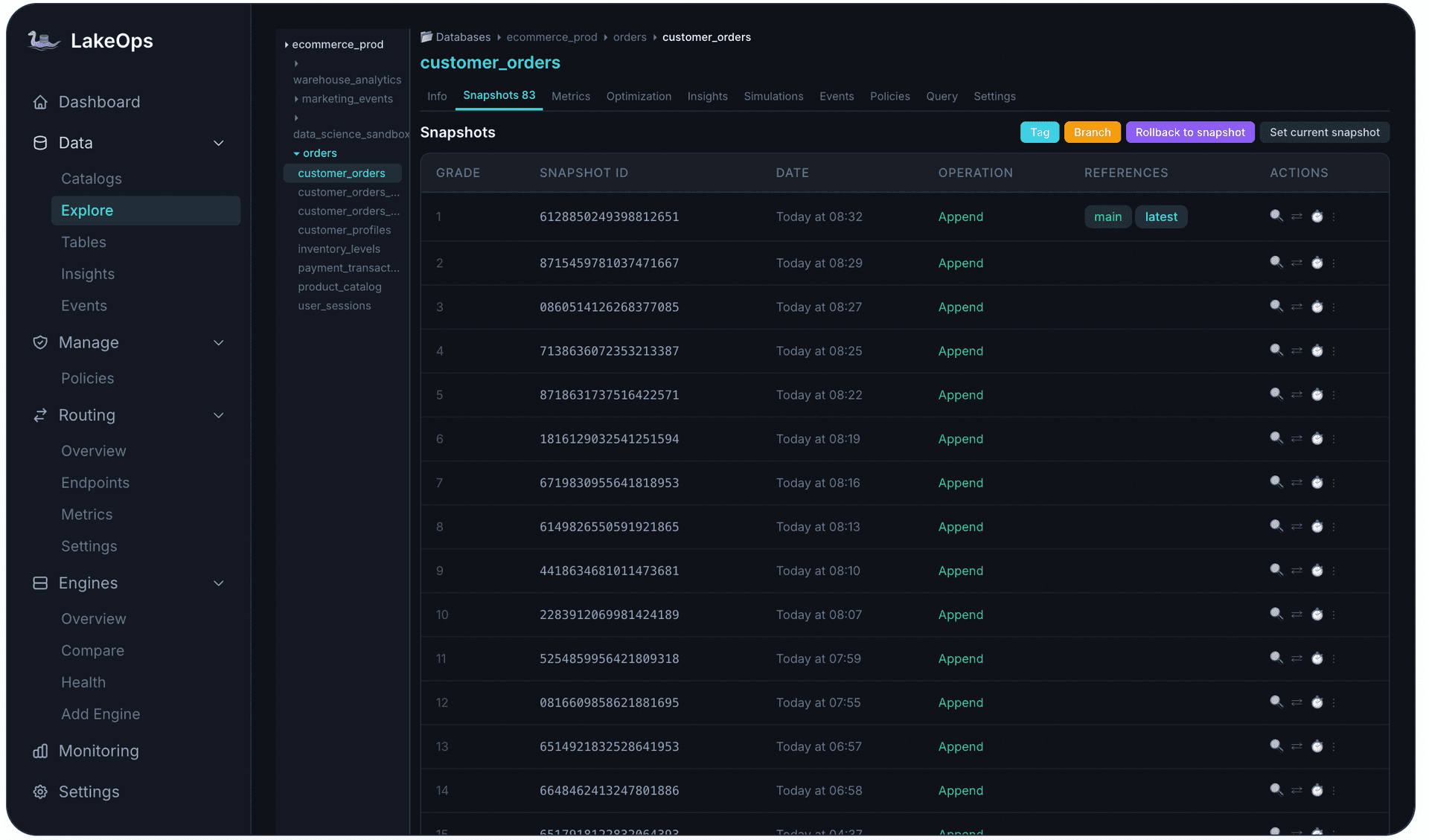
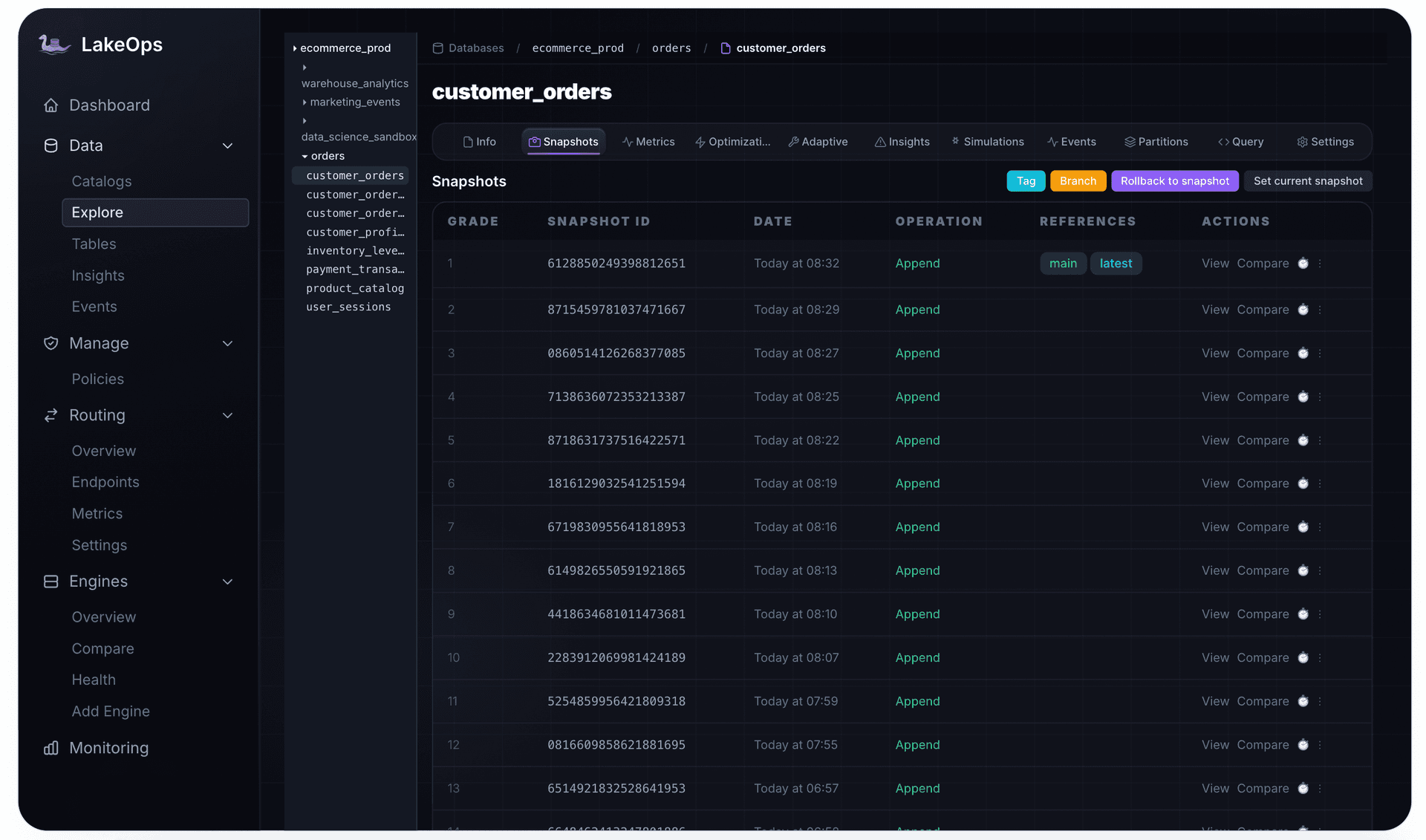
Full snapshot browser per table: every snapshot with ID, timestamp, operation type, and references. Browse history, compare states, tag versions for compliance, rollback with a single click, and see exactly how much storage each retention window costs.
Coordinated sequence and audit trail
Expiration always runs before orphan cleanup, which runs before compaction, which runs before manifest rewrites. Each step's completion triggers the next. Every execution is logged with full before/after metrics.

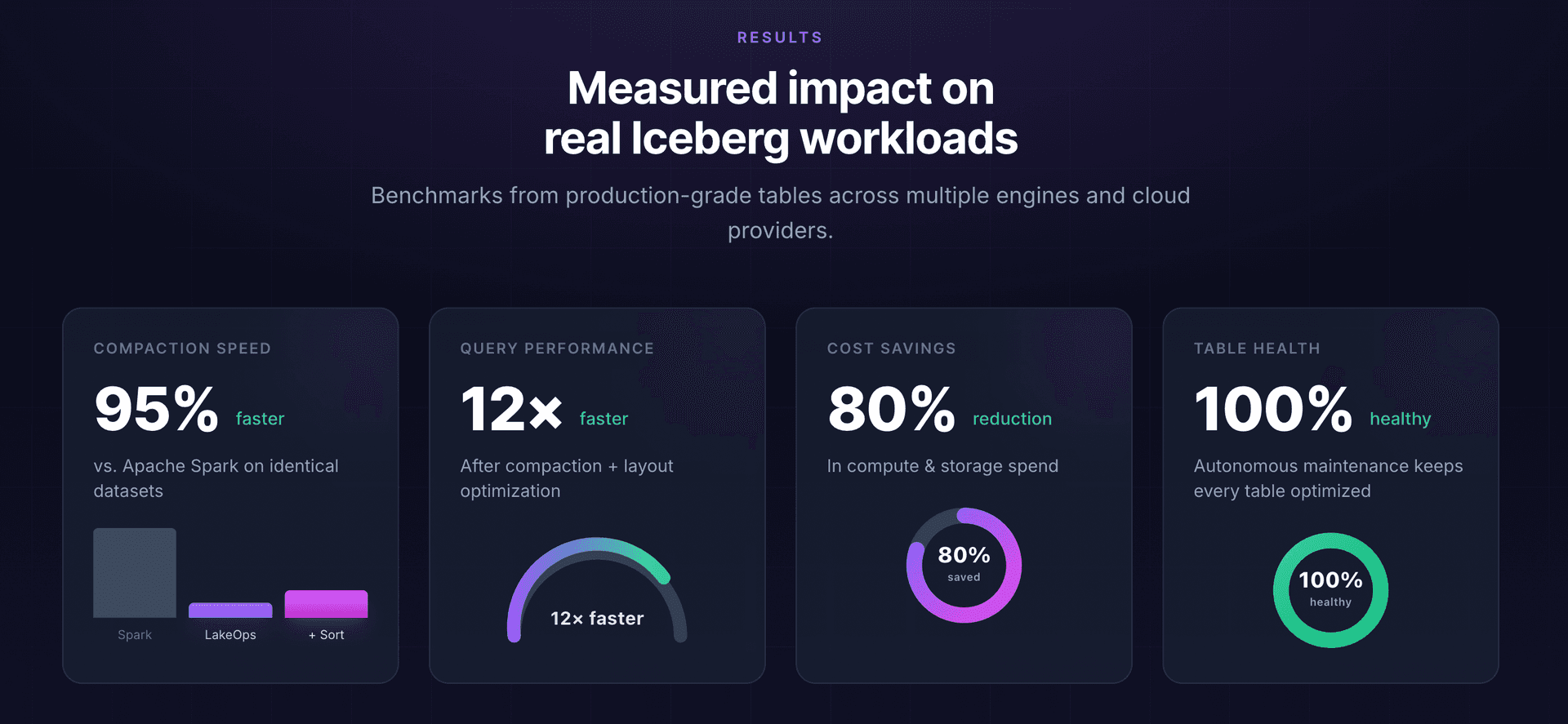
Setup and results
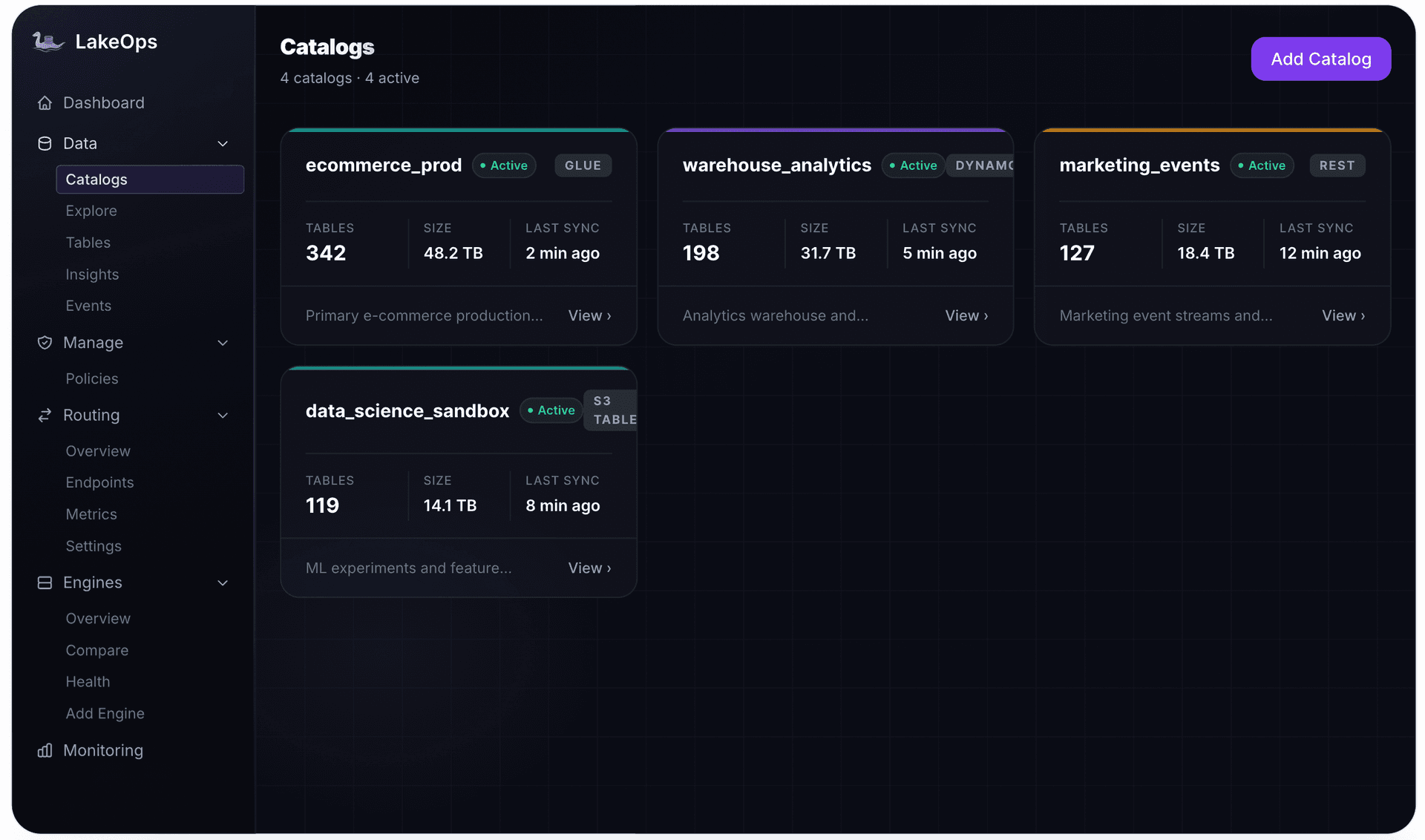
Connect catalogs (AWS Glue, REST/Polaris/Nessie/Lakekeeper, S3 Tables) in ~10 minutes. No agents, no data movement. Tables are discovered, classified, and managed according to your policies.
Path 2: Manual management with SQL
Every operation LakeOps automates is also achievable with SQL procedures and scheduling.
expire_snapshots
1-- Basic: expire older than 7 days, keep at least 102CALL system.expire_snapshots(3 table => 'prod.db.events',4 older_than => TIMESTAMP '2026-07-26 00:00:00',5 retain_last => 106);7 8-- Production: streaming mode for large tables9CALL system.expire_snapshots(10 table => 'prod.db.events',11 older_than => TIMESTAMP '2026-07-26 00:00:00',12 retain_last => 10,13 stream_results => true,14 max_concurrent_deletes => 5015);Parameters:
older_than— expire snapshots before this timestamp. Set ≥ 2x your longest query durationretain_last— minimum snapshots to keep regardless of age. Floor: never < 2 in productionstream_results— streaming deletion (avoids OOM for large tables)max_concurrent_deletes— controls S3 API pressure
Table-level properties
Set retention in table properties so any maintenance system enforces it automatically:
1ALTER TABLE prod.db.events SET TBLPROPERTIES (2 'history.expire.max-snapshot-age-ms' = '604800000', -- 7 days3 'history.expire.min-snapshots-to-keep' = '10'4);The full maintenance sequence
1-- 1. Expire snapshots (always first)2CALL system.expire_snapshots(3 table => 'prod.db.events',4 older_than => TIMESTAMP '2026-07-26 00:00:00',5 retain_last => 106);7 8-- 2. Remove orphans (wait 72+ hours — protects in-progress writes)9CALL system.remove_orphan_files(10 table => 'prod.db.events',11 older_than => TIMESTAMP '2026-07-23 00:00:00'12);13 14-- 3. Compact15CALL system.rewrite_data_files(table => 'prod.db.events', strategy => 'sort');16 17-- 4. Rewrite manifests18CALL system.rewrite_manifests('prod.db.events');Monitoring health
1-- Snapshot count and age2SELECT COUNT(*) as total_snapshots,3 MIN(committed_at) as oldest,4 MAX(committed_at) as newest5FROM prod.db.events.snapshots;6 7-- Pinned storage estimate8SELECT 9 (SELECT COUNT(*) FROM prod.db.events.files) as current_files,10 (SELECT COUNT(*) FROM prod.db.events.all_data_files) as all_files_ever;Alert when: snapshot count > 1,000, oldest > 30 days (non-compliance), or all_files/current_files > 3x.
Safety rules
- Set
older_than≥ 2x your longest query. A read that opened a snapshot can fail if it's expired mid-scan - Set
retain_last≥ 5 for batch, ≥ 25 for streaming. Default of 1 leaves no rollback target - Wait 72+ hours before orphan cleanup. In-progress writes may have uncommitted files
- Tag compliance snapshots explicitly — they survive expiration automatically
Time travel patterns
Debugging: Compare current vs historical state to identify when data went wrong:
1SELECT 'current' as v, COUNT(*) as rows FROM prod.db.orders2UNION ALL3SELECT 'yesterday', COUNT(*) FROM prod.db.orders4TIMESTAMP AS OF '2026-08-01 00:00:00';ML reproducibility: Tag training snapshots so model experiments are repeatable indefinitely:
1ALTER TABLE prod.db.features2CREATE TAG training_v2 AS OF VERSION 8712345678901234567 RETAIN 365 DAYS;Incremental processing: Read only changes since last checkpoint:
1SELECT * FROM prod.db.events.changes2WHERE _change_type IN ('insert', 'update_after');Write-Audit-Publish: Write to a branch, validate, merge only if clean — bad data never reaches production.
Common mistakes
Never expiring. After 6 months, a 500 GB table holds 3+ TB of pinned data. AWS bill increases 6x with no visible cause.
Expiring too aggressively. retain_last = 1 leaves no rollback target. One bad write and the table is unrecoverable without backup infrastructure that Iceberg was supposed to replace.
Same policy everywhere. A streaming table creating 1,440 snapshots/day needs different retention than a batch table creating 1/day.
Orphan cleanup before expiration. Misses newly-dereferenced files. Requires a second pass. Always expire first.
Summary
Snapshots are the foundation of Iceberg's time travel, rollback, and audit capabilities. The goal is not to eliminate them — it's to retain exactly as many as needed and expire the rest systematically.
The framework:
- Streaming: 3–7 days, retain_last 25–50
- Batch: 7–30 days, retain_last 5–10
- Compliance: tag specific checkpoints, expire everything else normally
- Sequence: expire → orphan cleanup → compact → manifest rewrite
- Safety: retain_last ≥ 2, older_than ≥ 2x longest query, orphan cleanup after 72h
For teams managing more than a handful of tables, an autonomous control plane handles this continuously — workload-aware policies, conflict-safe expiration, coordinated sequencing, and full snapshot visibility — so time travel works when needed without silent cost accumulation.
---
Further reading: